Only the sites you saved. Nothing else.
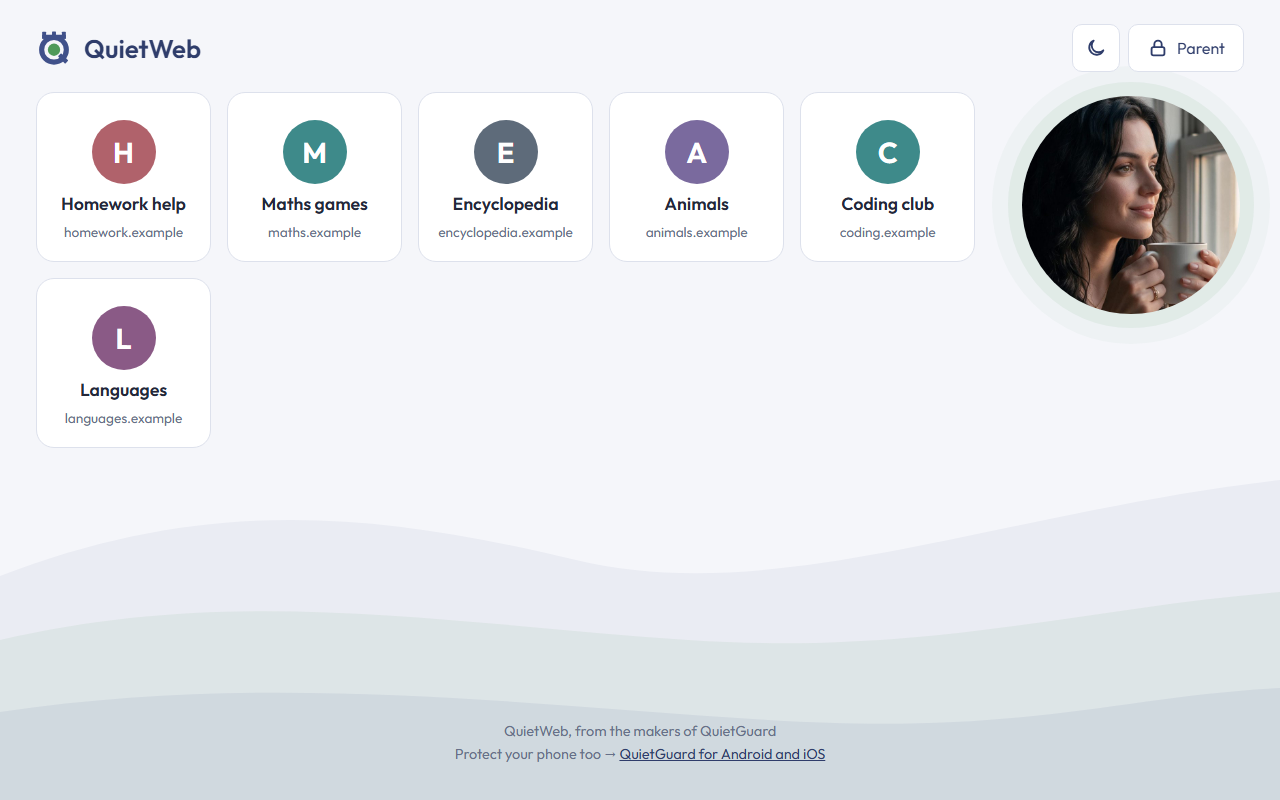
QuietWeb™ is a free, calm browser for children and families. It opens the websites a parent has saved, and every other site, link and pop-up simply doesn't load.
Download for WindowsFree · about 2 MB · Windows 10 and 11 · 11 languages
How it works
Turned the other way round: instead of trying to block the bad parts of the internet, QuietWeb only opens what you chose. Your circle, your call.
Set a parent PIN
The first time QuietWeb opens, you choose a PIN. Only you can change the list.
Save the sites you trust
School, homework, games, family: each one becomes a big, simple tile on the start page.
Everything else stays quiet
Links, redirects and pop-ups to other sites don't open. A calm message says the site isn't in the list.
Safe by design
- Only saved websites and their own pages open
- Allowed sites work normally: pictures and videos still load
- Pop-ups never open new windows; downloads are switched off
- Web pages can't reach QuietWeb's settings
- Parent PIN, with a pause after 5 wrong tries
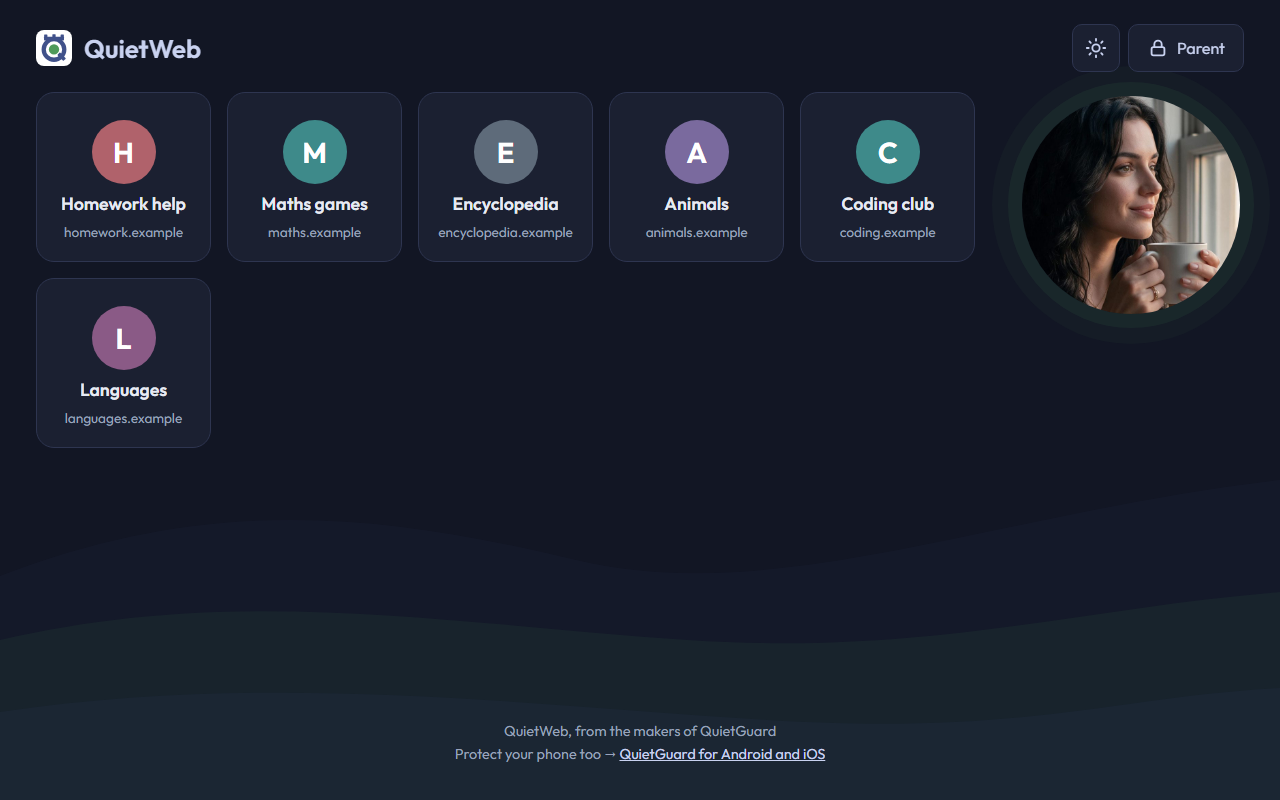
- Light and dark mode, colour themes, 11 languages
The honest part
QuietWeb is a safe browser, not a lock on the whole computer. A child could still open another browser. For children, also turn on Microsoft Family Safety on Windows and allow only QuietWeb. On phones, Google Family Link and Apple Screen Time do the same.
No data collected. Ever.
Everything stays on your computer: local, private, yours. No account. No cloud. No tracking. No ads. Your list, your PIN and the usage report never leave your machine. The PIN is stored only as a one-way code, never as the PIN itself. QuietWeb asks our website once in a while whether a newer version exists, and that's all it sends.

From the makers of QuietGuard™
QuietGuard™ protects your phone the same way: the people you trust ring through, everything else stays quiet.